Ancon R18
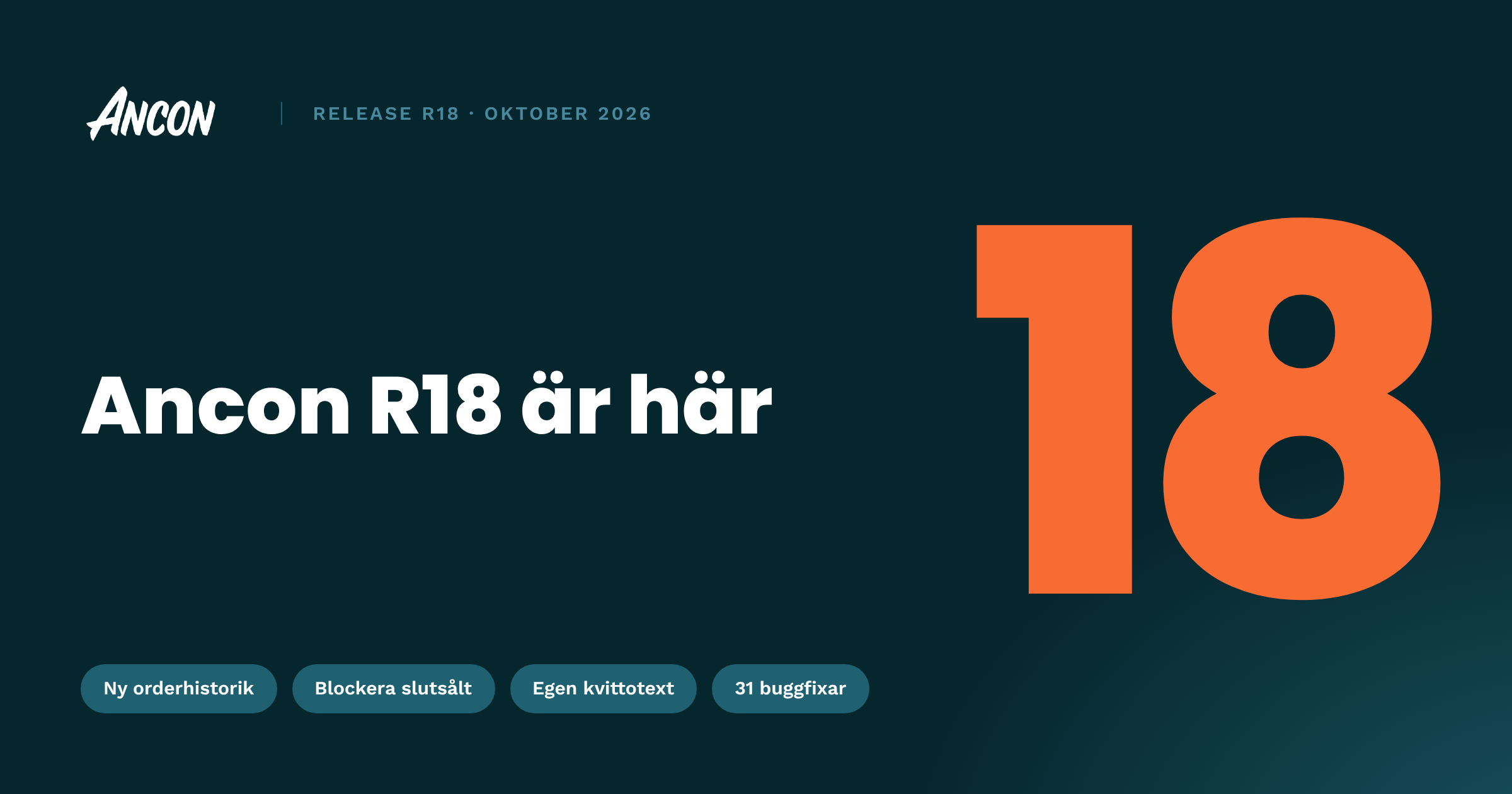
R18 is here! The biggest change is under the hood.
We’ve rebuilt how items on a check are handled in POS, so working with checks is faster and smoother, especially with busy tables and larger orders.
This is one of the biggest changes we’ve made to POS in a long time. If anything works differently than you’re used to, let our support team know and we’ll look into it right away. You also get a new order history in Backoffice, the option to block out-of-stock products, custom receipt text and a long list of fixes.
Install the correct version as soon as possible to avoid problems.
New features
New order history
Choose which columns to show in the order history in Backoffice
Refunds and partial refunds are now shown in order history
Block out-of-stock products in POS
New outlet setting under Inventory Behaviour that controls how POS handles products with zero stock
Out-of-stock products can be blocked from sale in POS
Out-of-stock variants in a multi-product are greyed out
Additional receipt info
New receipt settings in Backoffice
Add your own text to printed receipts
Group order link
Improved ticketing for group orders
Guided product view
Add-on groups move to the next step automatically, so ordering takes fewer taps
Gift cards online
Improvements to buying gift cards online
Improvements
POS: New “Table map on mobile” setting under POS settings → Look & Feel
POS: More reliable kitchen ticket printing
POS: Faster and smoother check handling
Public API: New webhook for order updates
Backoffice: Country is now available on all companies, UK and Danish phone numbers are supported, and the Create Company view is updated
Bug fixes
Payments
Some card payments could not be refunded
Buying a gift card on the card terminal could fail
A card payment could show as failed in POS even though it went through
An error showed when a card payment was cancelled before it started
A refund receipt was sometimes printed even when the card refund failed
A check could stay locked after a cancelled card payment
Pay-n-Go could charge twice
Pay-n-Go: only admins could remove items on partially paid checks, and checks could get stuck afterwards
iCoupon payments did not work on some POS setups
Some Microdeb gift card payments failed
Wallet top-ups briefly showed a payment error before the payment went through
POS
A changed price was reset during payment when “Force order format before payment” was enabled
The refund screen kept loading when “Ask to give receipt” was enabled
Merging checks could fail when stock was low
Kitchen tickets and KDS
Pre-order tickets were not printed if POS was idle or closed when the order came in
Tickets could keep re-printing for up to 30 minutes
No ticket was printed for products in a multi-product when the multi-product had no ticket destination
A kitchen ticket was sometimes not printed for table orders
KDS tickets could be delayed by up to about 30 minutes
KDS did not pick up missed tickets after losing its connection
KDS kept logging out with “Unlinked by another device”
Ancon Order (online ordering)
Menu and settings changes did not show until the guest started a new session
Checkout could get stuck before payment
Included ingredients showed “kr” instead of the outlet’s currency
Express
On Elo Android devices, the on-screen keyboard could pop up during wallet scanning and stop the card or QR code from being read
Backoffice and integrations
Tips on the Z-report were booked to the wrong account when tips were shown separately from the payment method
Fortnox Z-report sync could be delayed by hours or days
Outlet selection for gift cards could not be saved
Price presets in currencies other than SEK were shown as SEK
The Save button was hidden under Marketing → Wallets
In white-label apps, the country code went back to Sweden after selecting United Kingdom